





Download the Mobile Scripts App
Manage your prescriptions right from your phone with the Mobile Scripts app. Request refills, view your medication history, set reminders, and stay in touch with West Hempstead Pharmacy, all in one place.
Getting the app is easy. Open the camera app on your phone, point it at the QR code for your device below, and tap the link that pops up to go straight to the download page. If your phone doesn't scan QR codes automatically, you can also open the App Store or Google Play directly and search for "MobileScripts."
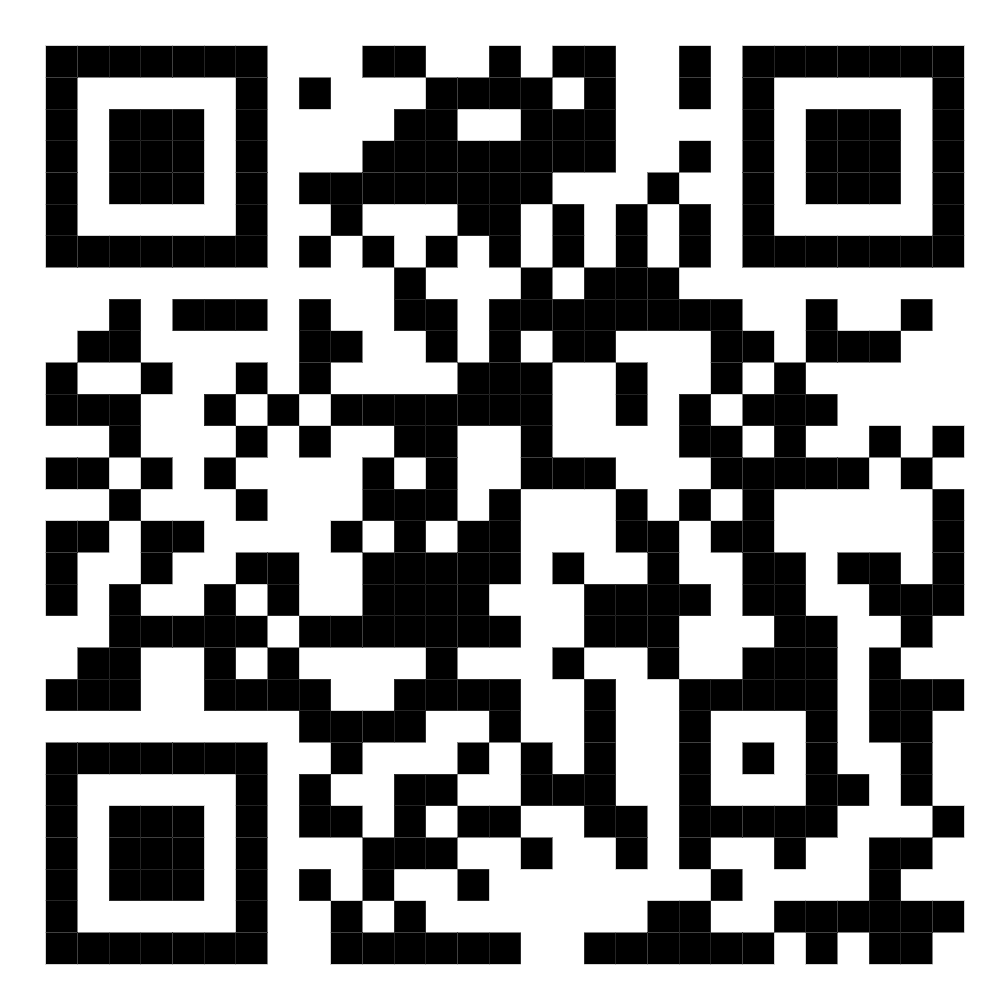
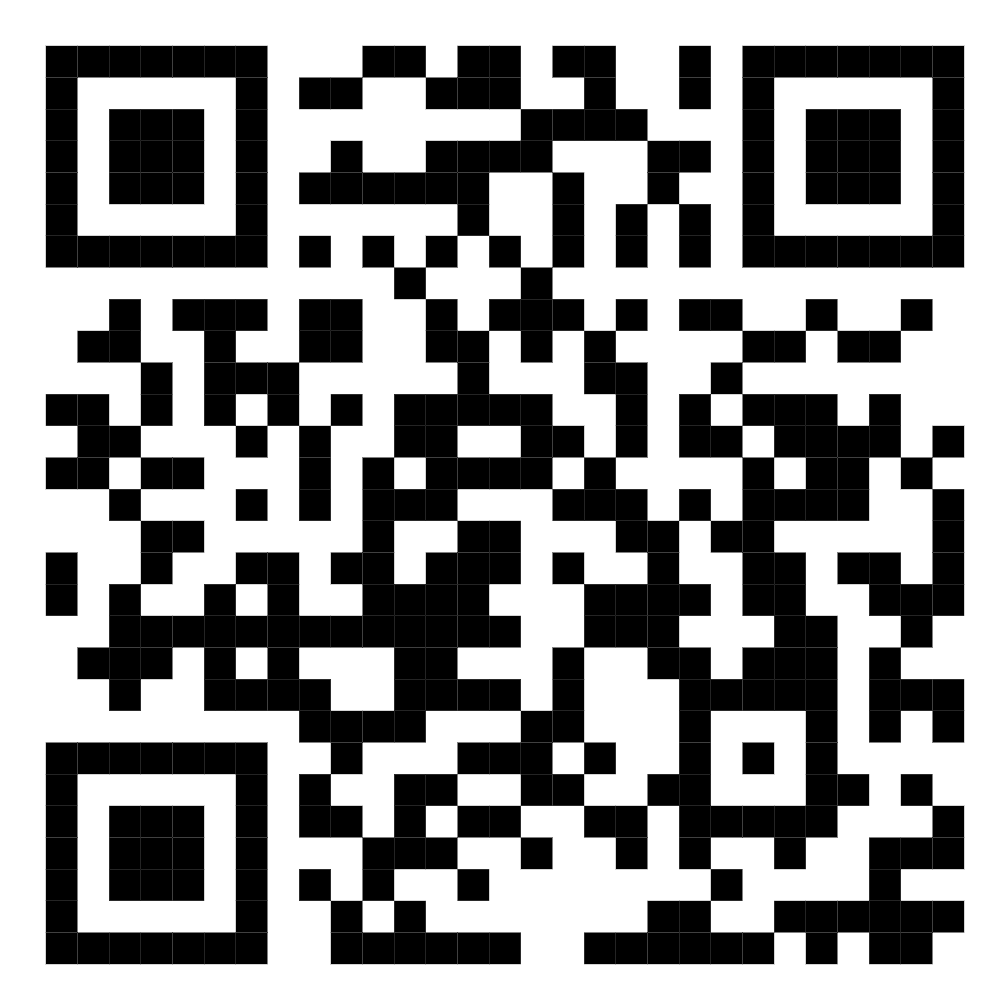
Once installed, sign in or create an account to link your West Hempstead Pharmacy prescriptions and start managing your refills from anywhere.